One Man Army AI not working? Fixes for common problems and a free redo
Updated:
Short answer
A failed One Man Army render is refunded automatically, but a finished clip is not redone for free: a new run costs 1 credit, even with the same photo. With 10 seconds and a crowd on screen, the charge and the sword timing are what vary, so check a 5-second bonus preview first; every pack includes some.
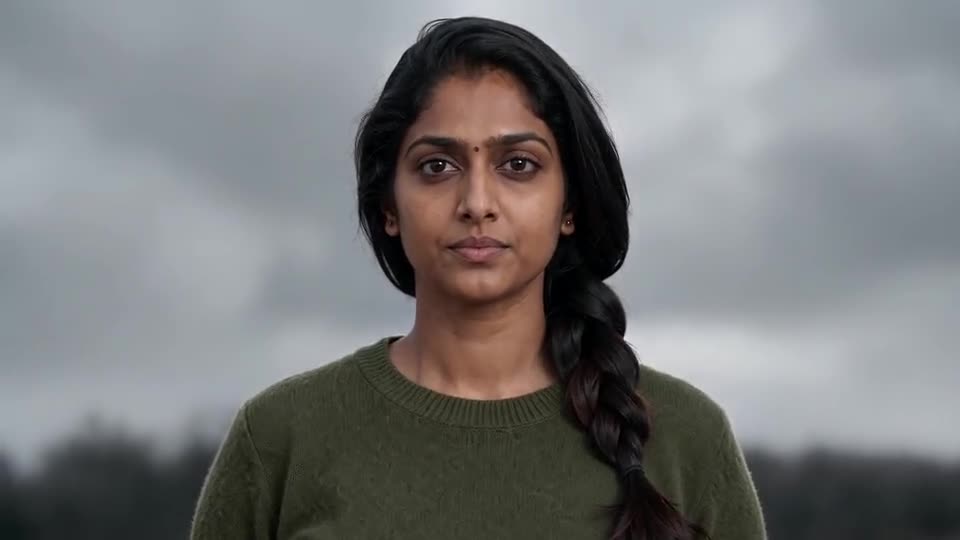
Refunded, and not refunded
- Refunded automatically: a render that fails, or a photo the model refuses.
- Not refunded: a finished clip where the army is far, the sword rises late or you look different in the wide shots. The model invents every frame, so this is a result, not a failed render.
- A new run: another battlefield, enemy or photo costs 1 credit.
- Unused packs: refundable within 7 days, see the refund policy.
Check this in the preview
With the $8.99 pack you have 1, with $16.99 you have 3 and with $25.99 you have 5. Look at the close-up first (face guide), then at whether the enemy rushes the camera (charge guide). The preview runs the shots faster, so leave the timing for the full video.
To ask for a refund on an unused pack within 7 days, email support@mimiczip.com.
One Man Army AI video: why did my face change, and how do I fix it?
The face drifts when the photo is small, dark or turned away, or shows two people. It matters most in the close-up from 2.5 to 4.5 seconds, where it fills the frame; the wide shots only need your hair and clothes. Use a sharp, well-lit, front-facing photo and check a 5-second bonus preview first.
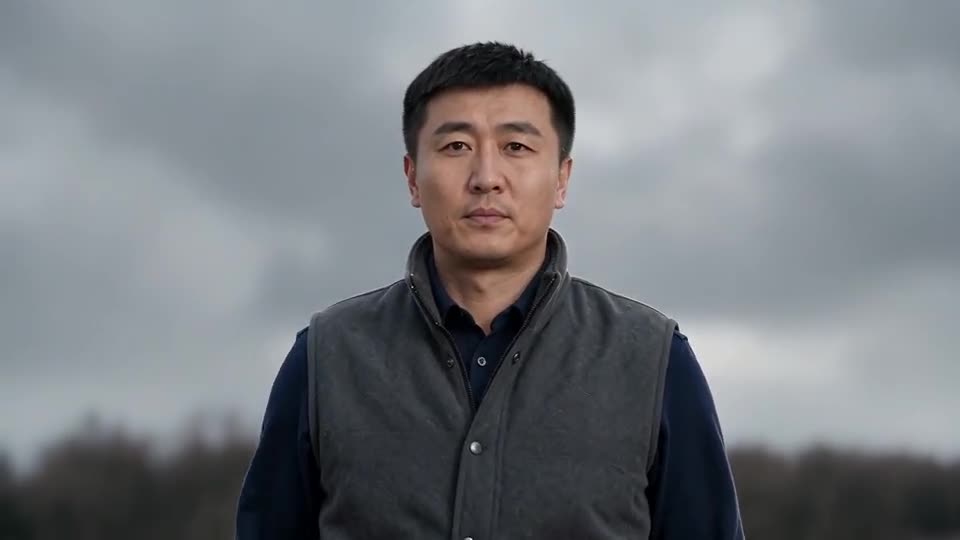
Quick fixes
- Crop so the face is large and sharp, with both eyes open.
- Use daylight, no sunglasses and no filter.
- Use one adult per photo.
- Keep the outfit option on your own clothes, so the face and the clothes both come from the photo.
Why it happens
The close-up is the one moment the camera looks straight at you. The back view and the wide shots only need your hair, clothes and shape, so a drift there usually means the clothes in the photo were hard to read.
One Man Army AI video: the army stays far away or does not charge, how do I fix it?
The charge is the hardest beat: a model sometimes leaves the enemy as a thin, far-off line instead of a wave rushing the camera. Run a 5-second bonus preview, and if the army stays far away, try a more open battlefield such as the snowfield or desert, or a fast-looking enemy like dinosaurs or zombies.
What helps the charge
- Wide, open ground: the snowfield, the desert and the beach give the wave room to grow.
- A fast enemy: dinosaurs, zombies and robots read as running; skeleton riders can look slow.
- The full 10 seconds: the 5-second preview squeezes the shots, so judge the charge on the full video.
Why it happens
The model has to turn a calm back view into a close-up and then into a storm of movement in one 10-second clip, so the army sometimes arrives late. The first example here shows a charge that is already close at 8 seconds; yours may differ.
Questions people ask
Is a failed video charged?
No. The credit is reserved when the run starts and returned if it fails. Failed runs return their credit automatically.
How do I avoid paying twice for a bad result?
Run a bonus preview first with a sharp, front-facing photo. Only then spend the credit on the full 10 seconds.
Can I get my money back instead?
Only for packs you have not used, within 7 days of buying. Credits that already produced a video stay spent.
Does the enemy option change my face?
No. It changes who charges at you, not who you are.
Is a slow charge a failed video?
No. A finished clip where the charge is soft is a result, not a failed render, and is not redone for free.
Does 9:16 change the charge?
A little. The tall frame shows less of the width of the army, so the wave can look thinner.
Make your own One Man Army video
Upload one photo and make a 10-second HD video from $8.99. No subscription, and the full video has no watermark.
Make my video