One Man Army AI: CapCut vs AI, other tools and prompts
Updated:
Short answer
A CapCut template for the scene drops your photo into its own fixed clip inside the app, in a 10-second or a 15-second cut. MimicZip generates a new 10-second clip on the web from one photo, with a choice of six battlefields, five weapons and six enemies, its own AI soundtrack and bonus previews in every pack.
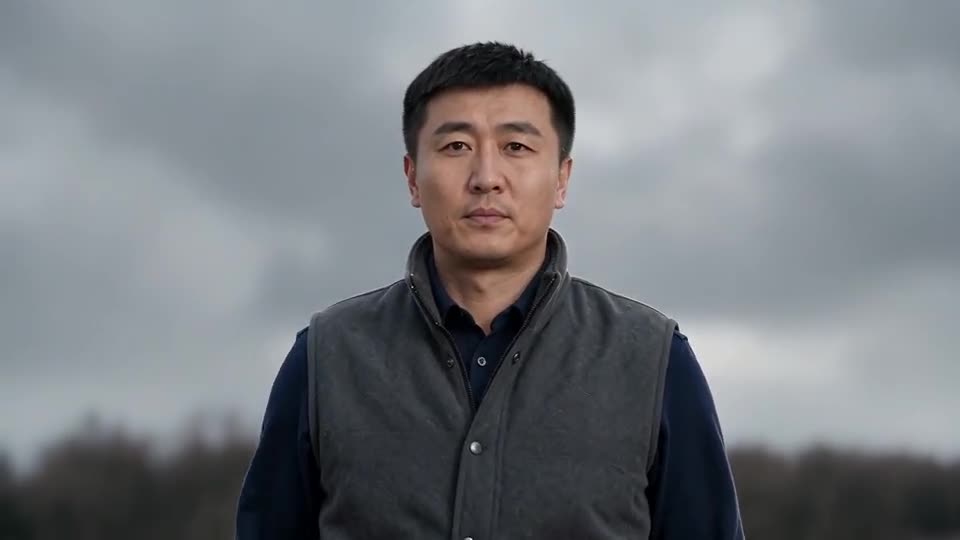
One photo, two routes
- The scene: a template swaps your person into a fixed film-like clip. MimicZip draws the moor, the army and the weapon fresh, so the picture is not tied to one clip.
- Choices: a template gives one battle. Here the weapon, the enemy, the battlefield and the outfit are presets, so you can face zombies on a beach.
- The look: a template cut keeps your face small in the wide shots. Here the close-up uses your photo at full size and the wide shots follow your clothes.
- What comes back: a 10-second 720p clip with no caption, no logo and no watermark.
- Cost: CapCut has free and paid features, so check its current plans. Here 1 credit is one full video, and each pack includes watch-only previews.
Which one to use
A template suits you if you like the exact clip you saw and want to cut it in the app. MimicZip suits you if you want your own scene with your own enemy and nothing to edit. You can also generate here and add a caption in CapCut.
One Man Army AI vs general AI video tools: which one should I use?
General AI video tools give full control, but a prompt for a three-shot battle needs several tries to keep you alone in the frame, keep your face in the close-up and make the army actually rush the camera. MimicZip does one job: one photo becomes the One Man Army clip, with a bonus preview and no prompt.
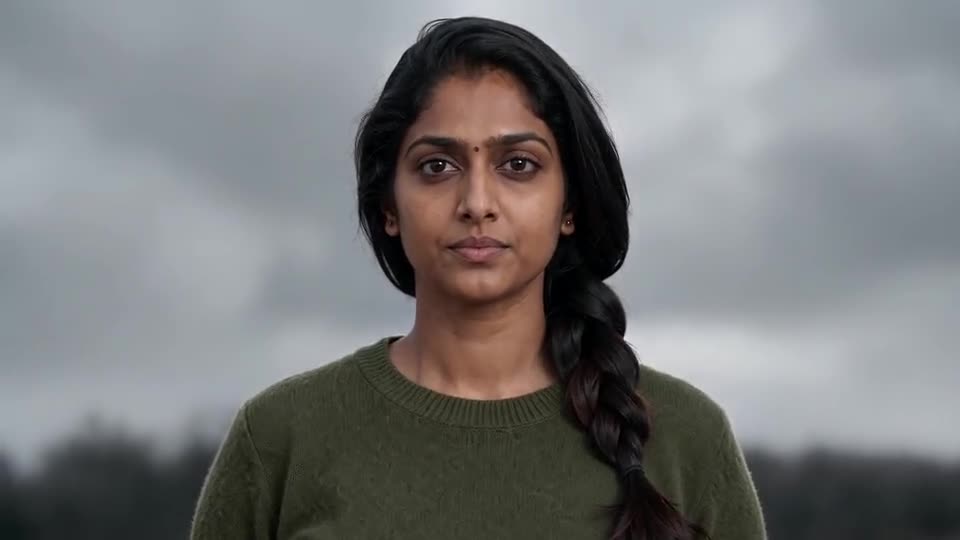
Where a prompt drifts
- What you type: a general tool wants a long prompt and settings. MimicZip has no prompt box; you add one photo and choose the options.
- Three shots in 10 seconds: a back view, a close-up and a wide charge are easy to list and hard to cut cleanly; models often blend them into one drifting shot.
- Alone in the frame: crowds invite a second hero. Here the photo is the only person and the army is the enemy.
- Cost: check each general tool’s plans, because a crowd scene often needs several tries. MimicZip sells one-time packs from $8.99 with bonus previews and no subscription.
When a general tool is better
Use a general tool for your own story or full camera control. Use MimicZip when you want this one clip from your photo, fast. If you would rather write the prompt, see the guides for Kling, Veo and Seedance.
One Man Army prompt for Kling: a copyable battle prompt
Copy the prompt below into Kling and attach one photo of an adult. It covers the back view, the close-up and the charge with the raised weapon in three shots, and asks for an instrumental with no voices. It names no film, song or account. Expect a few tries, or use MimicZip.
Copy this prompt
Image-to-video, 16:9, about 10 seconds.
Reference image 1 is the only person in the video, an adult. Keep their face, hair, skin tone and body shape in every second.
Setting: a bleak muddy moor under heavy grey clouds and drifting mist, a thin dark line of enemy horsemen far away, a small fire in the middle distance. No flags, emblems or text.
0 to 2.5 seconds: medium shot from behind, the person at the left of the frame with their back to the camera, looking out at the distant army, wind in their clothes and hair, beginning to look back over the shoulder.
2.5 to 4.5 seconds: close-up from the chest up, the person facing the camera under a cloudy sky, calm and determined, eyes on the lens.
4.5 to 10 seconds: low shot from behind the person, who stands still in the lower middle of the frame. A dense wave of armoured horsemen gallops straight toward the camera, closer every second. At about 6.5 seconds the person draws a sword from their hip and swings it up; by 8.5 seconds they hold it high and steady, alone.
Audio: instrumental cinematic score, low war drums, wind and hooves. No voices, no shouting, no lyrics.
Photorealistic, no text, no subtitles, no logos, no watermark.
How to use it
- Attach one photo of an adult as image 1, face toward the camera, with the clothes you want visible.
- Add a caption and the sound you like in TikTok afterwards. A text prompt cannot place each shot exactly.
- If the army stays far away, add: the front rows are only a few metres from the camera and run at full speed.
- Tools change often, so check the length and aspect ratio your tool supports.
One Man Army prompt for Veo: a copyable battle prompt
Copy the prompt below into Veo and attach one photo of an adult. It covers the back view, the close-up and the charge with the raised weapon in three shots, and asks for an instrumental with no voices. It names no film, song or account. Expect a few tries, or use MimicZip.
Copy this prompt
Image-to-video, 16:9, about 10 seconds.
Reference image 1 is the only person in the video, an adult. Keep their face, hair, skin tone and body shape in every second.
Setting: a bleak muddy moor under heavy grey clouds and drifting mist, a thin dark line of enemy horsemen far away, a small fire in the middle distance. No flags, emblems or text.
0 to 2.5 seconds: medium shot from behind, the person at the left of the frame with their back to the camera, looking out at the distant army, wind in their clothes and hair, beginning to look back over the shoulder.
2.5 to 4.5 seconds: close-up from the chest up, the person facing the camera under a cloudy sky, calm and determined, eyes on the lens.
4.5 to 10 seconds: low shot from behind the person, who stands still in the lower middle of the frame. A dense wave of armoured horsemen gallops straight toward the camera, closer every second. At about 6.5 seconds the person draws a sword from their hip and swings it up; by 8.5 seconds they hold it high and steady, alone.
Audio: instrumental cinematic score, low war drums, wind and hooves. No voices, no shouting, no lyrics.
Photorealistic, no text, no subtitles, no logos, no watermark.
Tips for Veo
- Keep the clip close to 8 seconds, since Veo clips are short; drop the close-up shot if your length is shorter.
- Ask for the three shots to be separate cuts, or the model may merge them into one drifting camera move.
- Say the person is alone and no second hero or ally appears.
- Leave out names, film titles and sound titles, and describe an instrumental.
One Man Army prompt for Seedance: a copyable battle prompt
Copy the prompt below into Seedance and attach one photo of an adult. It covers the back view, the close-up and the charge with the raised weapon in three shots, and asks for an instrumental with no voices. It names no film, song or account. Expect a few tries, or use MimicZip.
Copy this prompt
Image-to-video, 16:9, about 10 seconds.
Reference image 1 is the only person in the video, an adult. Keep their face, hair, skin tone and body shape in every second.
Setting: a bleak muddy moor under heavy grey clouds and drifting mist, a thin dark line of enemy horsemen far away, a small fire in the middle distance. No flags, emblems or text.
0 to 2.5 seconds: medium shot from behind, the person at the left of the frame with their back to the camera, looking out at the distant army, wind in their clothes and hair, beginning to look back over the shoulder.
2.5 to 4.5 seconds: close-up from the chest up, the person facing the camera under a cloudy sky, calm and determined, eyes on the lens.
4.5 to 10 seconds: low shot from behind the person, who stands still in the lower middle of the frame. A dense wave of armoured horsemen gallops straight toward the camera, closer every second. At about 6.5 seconds the person draws a sword from their hip and swings it up; by 8.5 seconds they hold it high and steady, alone.
Audio: instrumental cinematic score, low war drums, wind and hooves. No voices, no shouting, no lyrics.
Photorealistic, no text, no subtitles, no logos, no watermark.
Tips for Seedance
- Attach your photo as the reference image and, if the tool allows, a short clip for the timing; blur it hard so it guides the motion only.
- Write the shots by seconds, as above, and say the shots are cuts, not one move.
- MimicZip runs on a Seedance model with a fixed scene, so a Seedance prompt is the closest to what you get here.
- Keep the audio line, since it keeps voices and battle cries out of the result.
Questions people ask
Is One Man Army AI made by CapCut or TikTok?
No. MimicZip is an independent tool, not linked to CapCut, TikTok or the accounts that posted the trend.
Can I use both?
Yes. Download the MP4, open it in CapCut and add your caption or a sound.
Which one is cheaper?
It depends on what you have. If you already use the app, a template costs little. With only a photo, MimicZip starts at $8.99 and includes bonus previews with every pack.
Does One Man Army AI use a general AI model?
Yes. A general video model draws the frames through an API, but the framing and the beats are fixed by our template. The Terms of Service say which model.
Can I write my own prompt on this site?
No. The scene is locked and there is no prompt box, which is how the clip stays on trend.
Why not just use a general tool?
You can. Choose a general tool if you want to direct each shot yourself. This site is for people who want the clip finished and timed from one photo, with bonus previews in every pack.
Why does the prompt not name a sound or a film?
Video tools filter names and lyrics, and a named prompt can be refused or can infringe rights. This page is independent and not affiliated with the accounts that posted the trend.
Will the result match the trend exactly?
Not exactly. Faces, motion and timing change with the tool, the model version and your photo. Treat the prompt as a starting point. Not exactly. Veo may add its own camera drift or keep the army small, so run it a few times and keep the best take. Closer than most, but still not exact. The timing and faces change with the version, so treat the prompt as a starting point.
Do I have to write a prompt on this site?
No. MimicZip uses a fixed scene, so you only add a photo, pick the options and press the make button.
Make your own One Man Army video
Upload one photo and make a 10-second HD video from $8.99. No subscription, and the full video has no watermark.
Make my video